Live Lovable demo
An optional walkthrough run only if time remains. Three build styles, one shared scenario — so the difference is the method, not the app.
The shared scenario — RequestRouter
One neutral, hackathon-safe app used across all three demos so the comparison is clean.
- A small ops team receives incoming customer requests through a simple form.
- Each request is auto-classified (Billing / Technical / General) and prioritised (High / Med / Low) with a short reason.
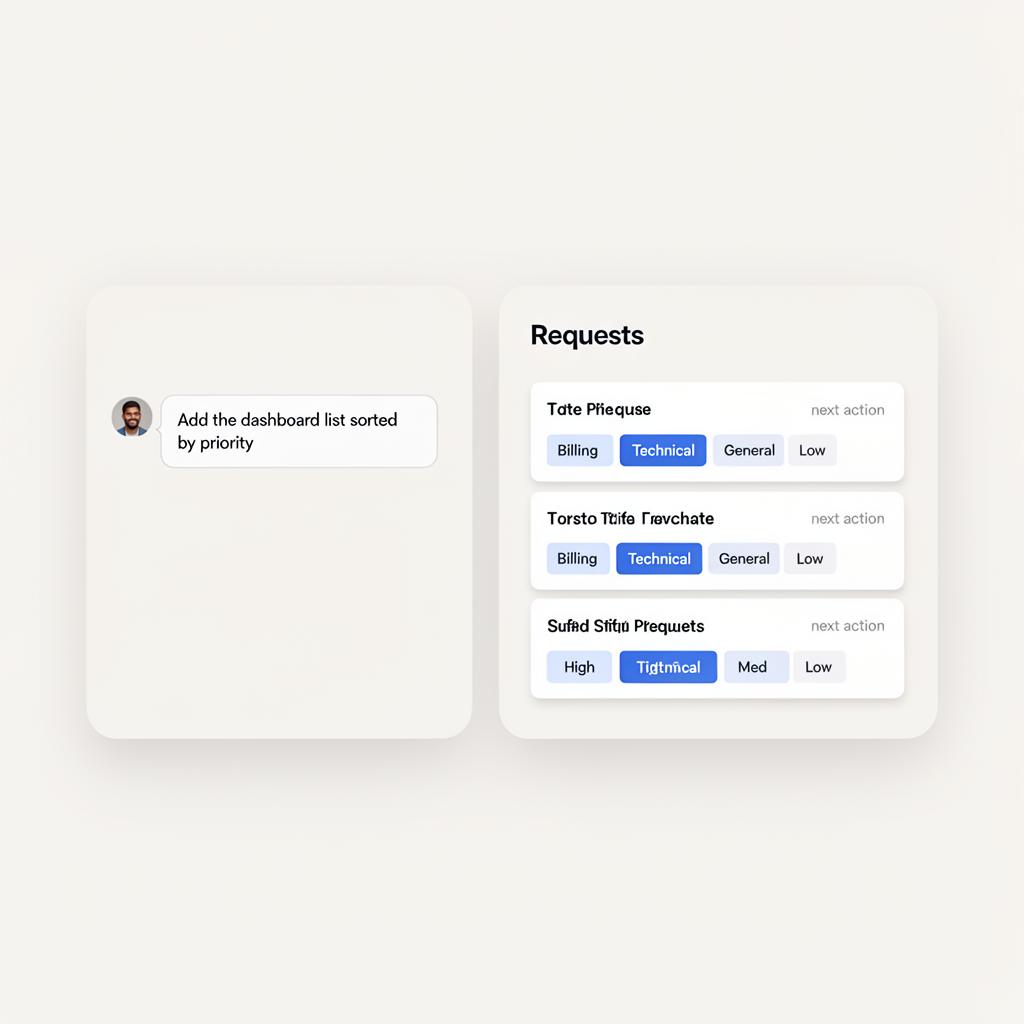
- A dashboard lists requests sorted by priority, each with a suggested next action.
Screens below are illustrative mockups of the Lovable builder UI, not real captures. They show the shape of each moment in the build.
Ask for everything at once
Show what not to do. Looks impressive on paper, breaks under the first real click.
Build a complete AI-powered business platform for handling incoming customer requests.
Include login, admin panel, analytics, email automation, CRM integration, role-based permissions, dashboards and reports.
Make it modern, professional, and fully functional.
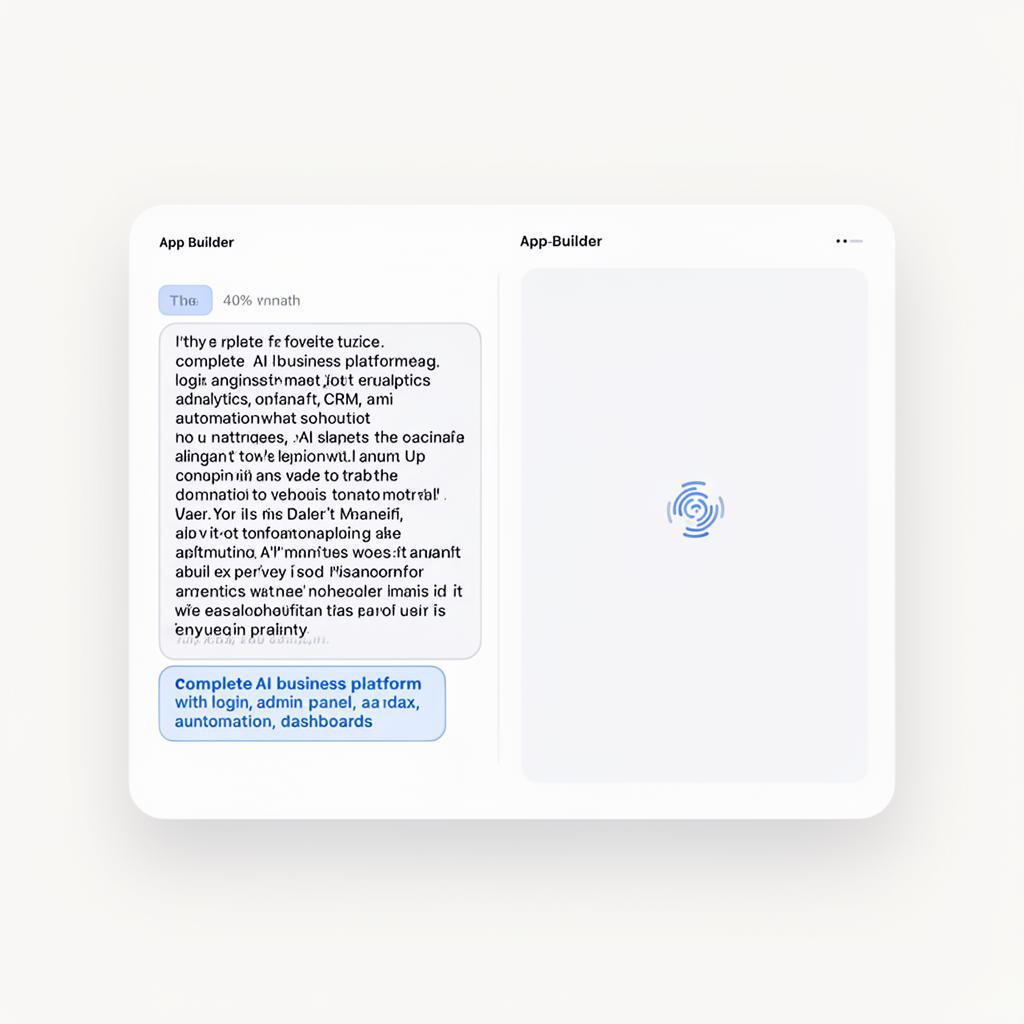 1
1One mega-prompt asks for the whole platform at once — auth, admin, analytics, CRM, email.
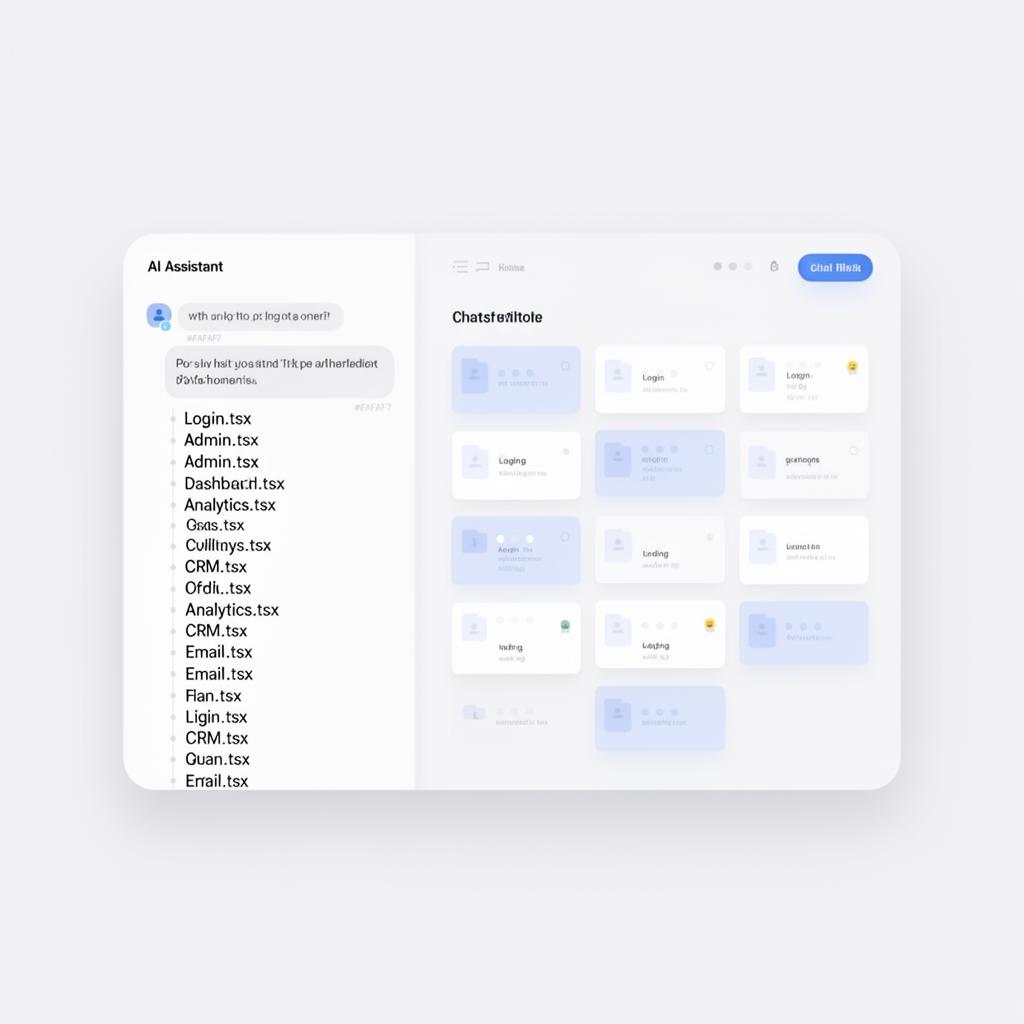 2
2Lovable spins up dozens of files in one go. The preview fills with cards before anything is tested.
 3
3First click reveals a broken flow. Hard to debug, risky to demo, easy to lose the team.
The method we teach
Start with the PRD as the source of truth. Build in phases. Test between each phase. Ship a V1 you can actually demo.
.md file, then drag it into Lovable's chat with the instruction below.Use the attached PRD as the single source of truth for this build. Build only what is listed under V1. Do not add anything that is not in the PRD. If you think something is missing, ask me first instead of adding it.
Before writing any code, summarise the PRD back to me in your own words.
Then propose a 4–5 step build plan that delivers V1 in phases.
Do not start building until I confirm the plan.
Build the app shell only: top bar with the app name, left nav with two items — Intake and Dashboard.
Each page should be empty for now. No forms, no data, no styling extras.
On the Intake page, add a form with exactly these fields from the PRD:
Title (text), Description (textarea), Channel (select: email / chat / phone), Customer email.
Add a Submit button. Do not save anywhere yet — just log the submission.
When the intake form is submitted, classify the request as Billing, Technical, or General based on keywords in the description.
Assign priority High / Med / Low using a simple rule (e.g. words like "urgent", "overdue", "down" → High).
Show a result card with two badges (category + priority), a short reason, and a "Next action" suggestion.
On the Dashboard page, list all submitted requests sorted by priority (High first).
Show title, category, priority, and the suggested next action per row.
After this, stop building. We will run the demo readiness checklist before any further changes.
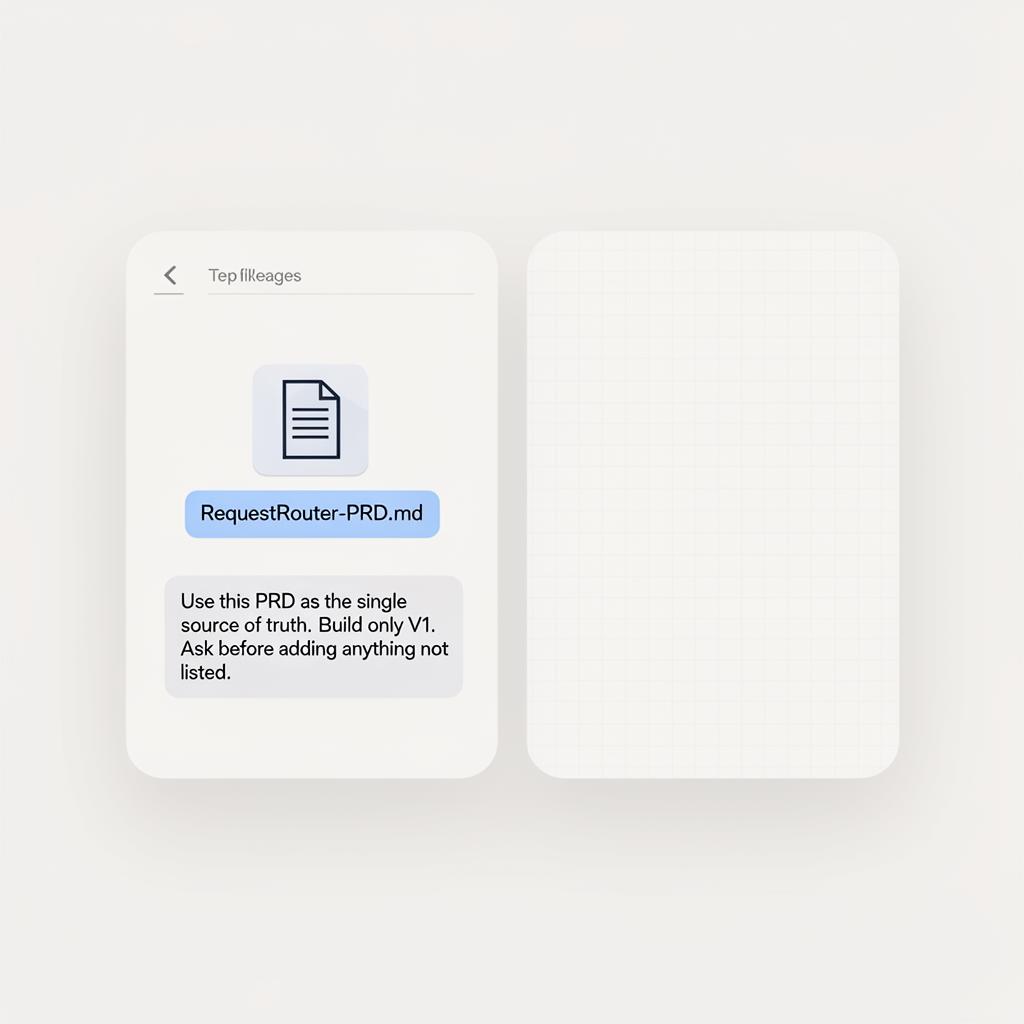 1
1Drag the PRD into chat. Tell Lovable it's the source of truth and to ask before going outside V1.
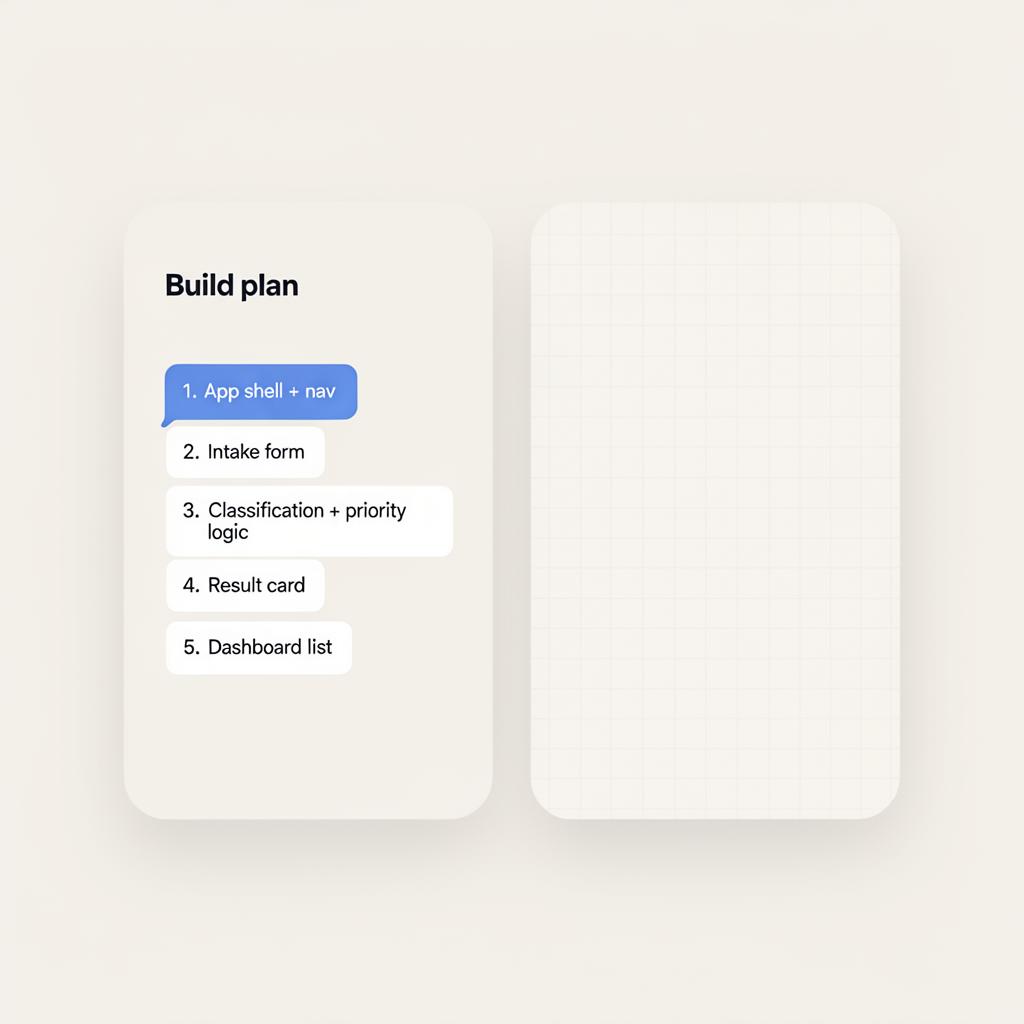 2
2Ask Lovable to summarise the PRD back and propose a build plan — before writing any code.
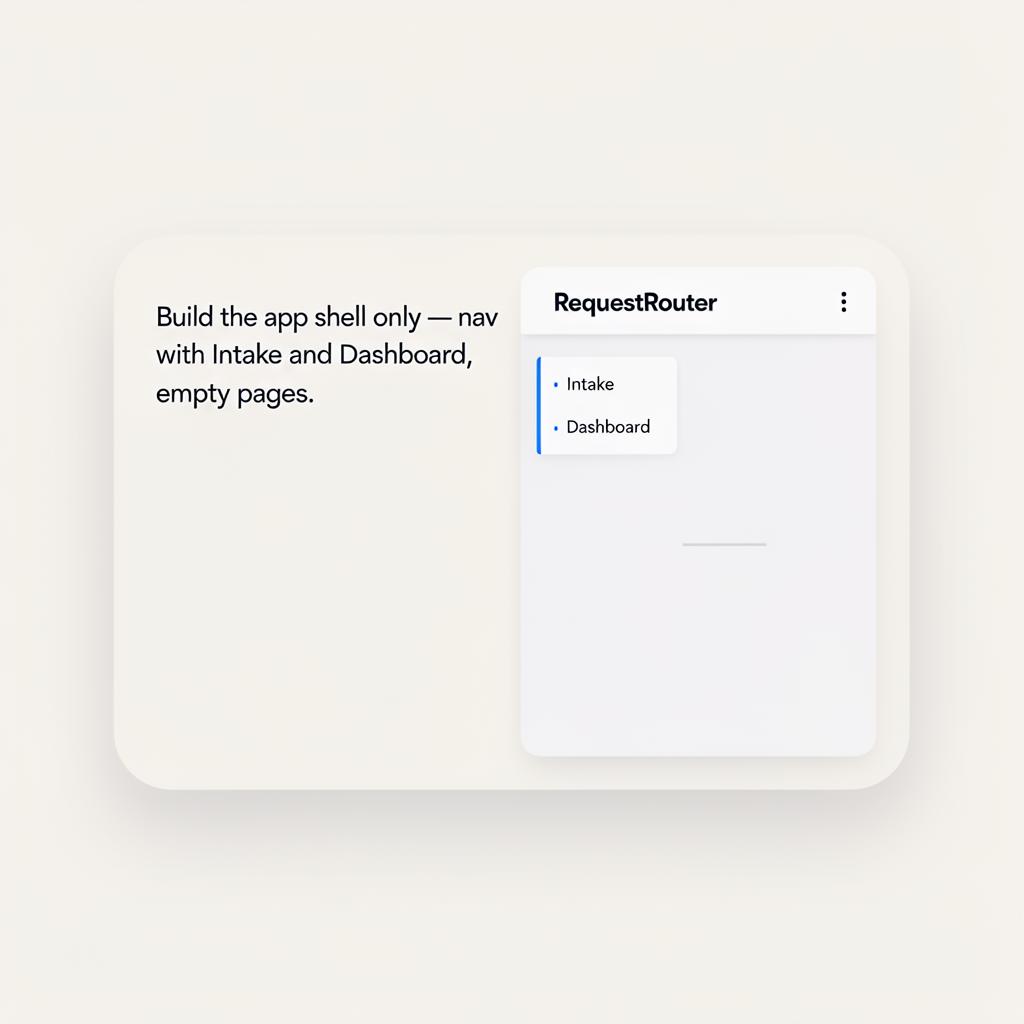 3
3Phase 1 — build only the shell: navigation, empty Intake page, empty Dashboard page.
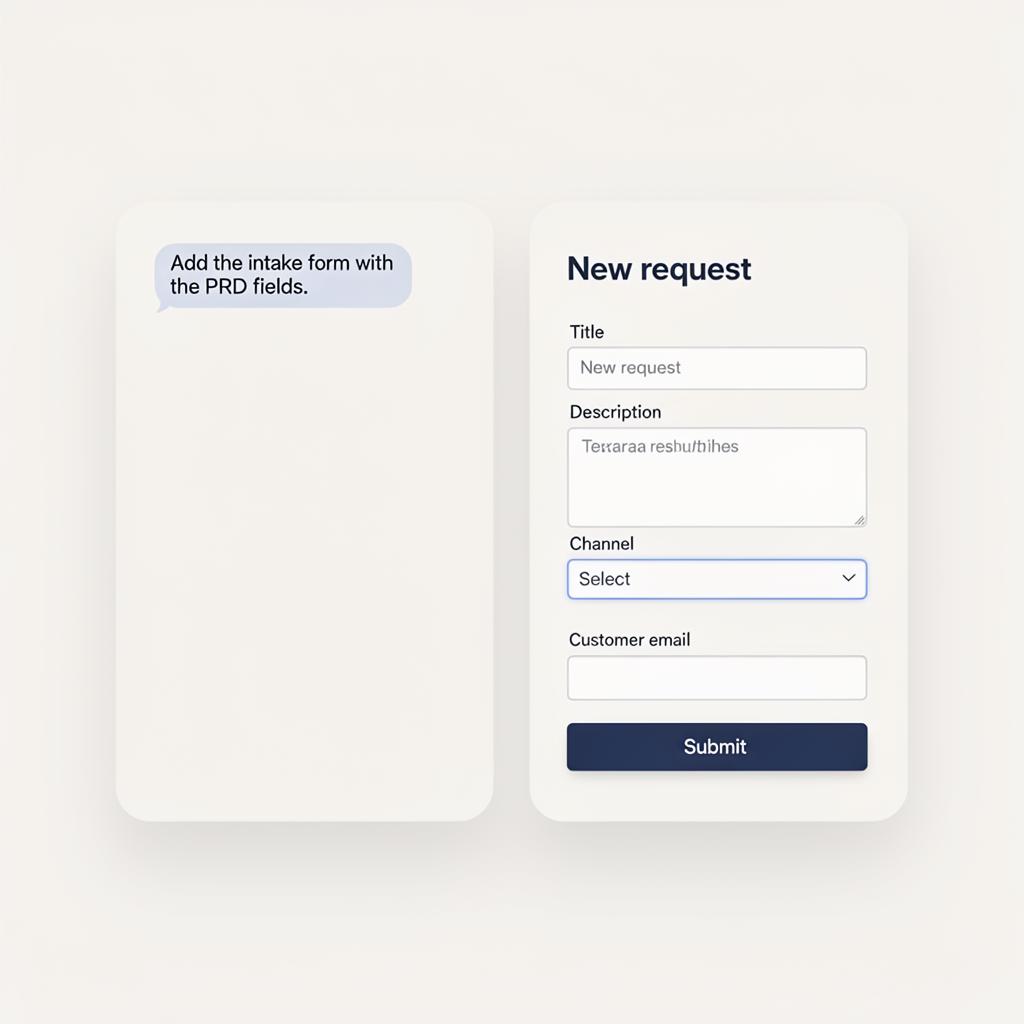 4
4Phase 2 — add the intake form using the exact fields listed in the PRD. Nothing else.
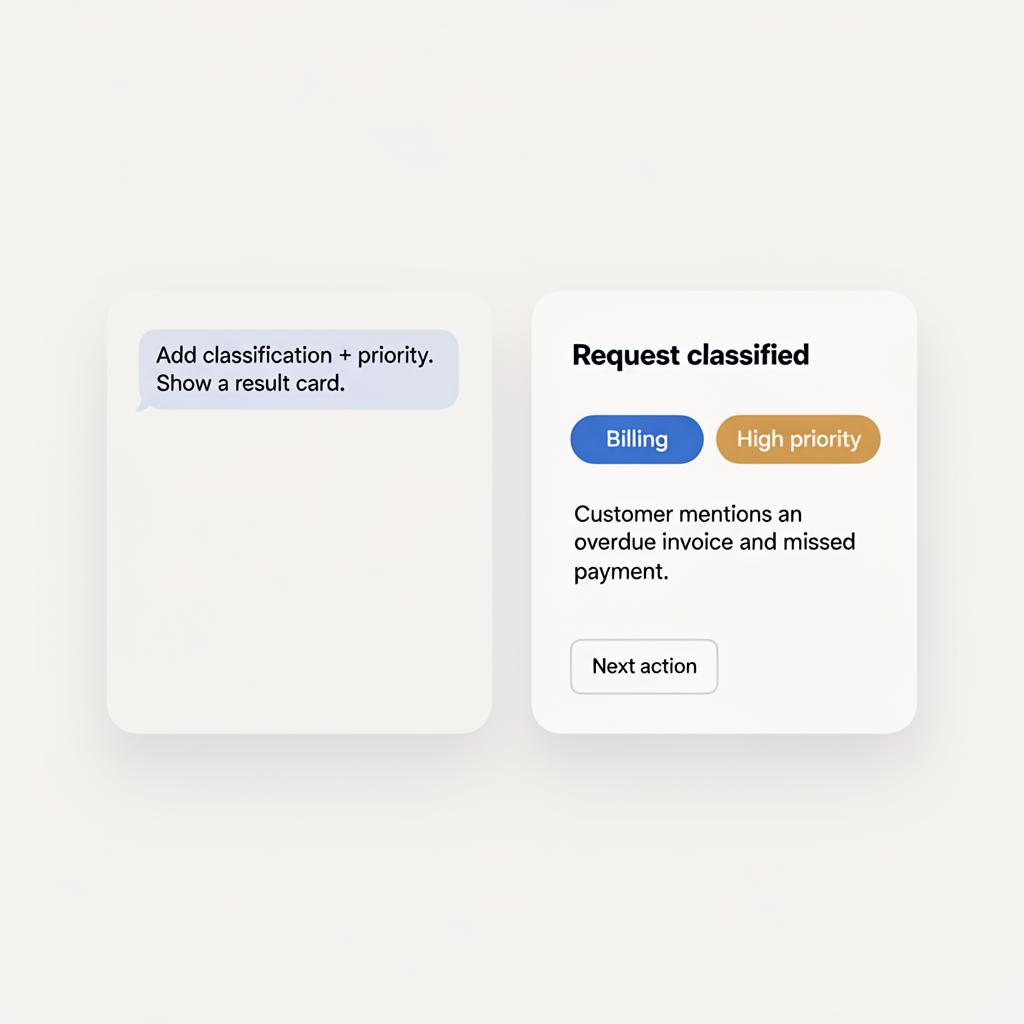 5
5Phase 3 — add classification + priority logic, with a clear result card and a next action.
 6
6Phase 4 — dashboard list sorted by priority. Then run the demo readiness check before anything else.
Push back with the scope-control prompt
Even on a clean V1, the AI will happily expand scope. Your job is to classify, park, and protect.
We have a working V1. What else should we add?
For each suggestion you just made, classify it as one of:
• V1 — already in the PRD, keep it
• V2 — good idea, but park it for after the demo
• Not needed — does not serve the business decision

Do not implement any V2 or Not-needed items. Only confirm the V1 list.
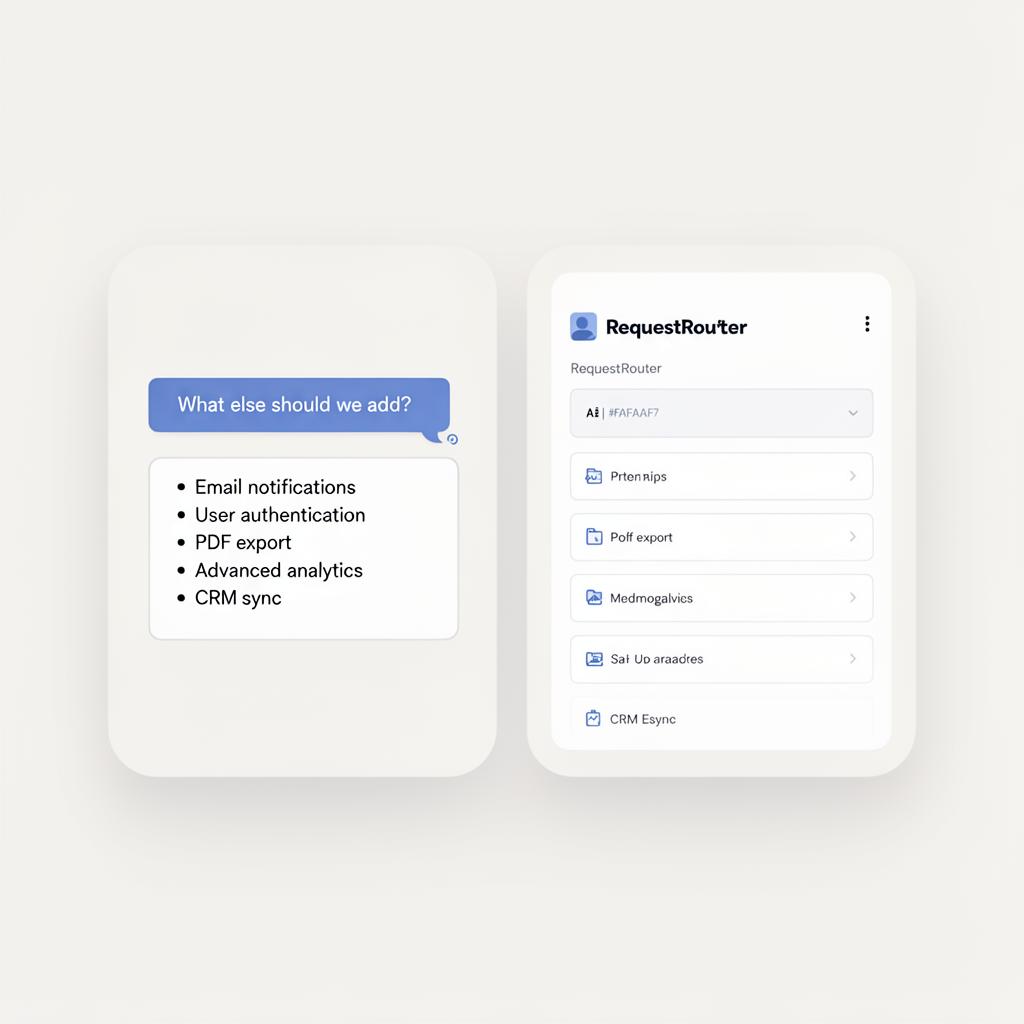 1
1Ask 'what else?' and Lovable will happily suggest notifications, auth, exports, analytics, CRM…
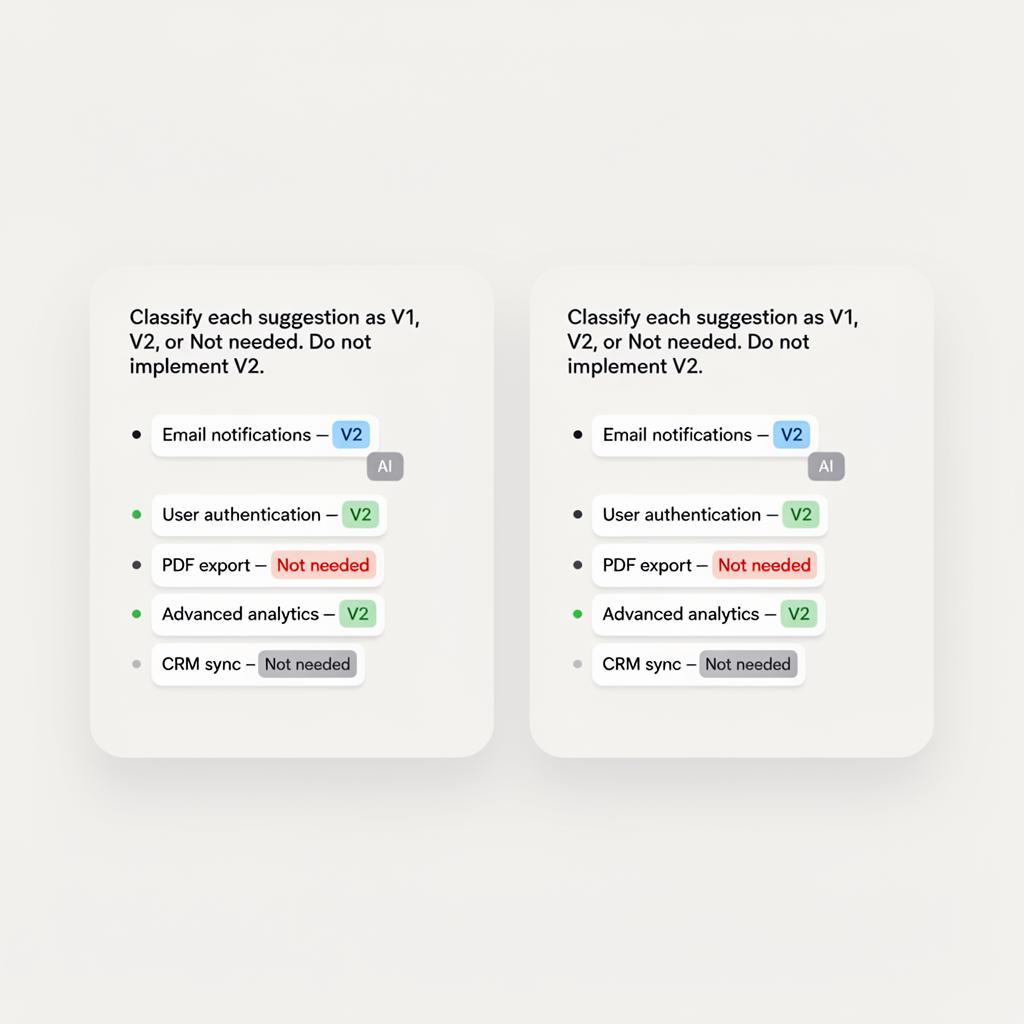 2
2Apply the scope-control prompt. Each idea gets a tag — V1, V2 (parked), or Not needed.
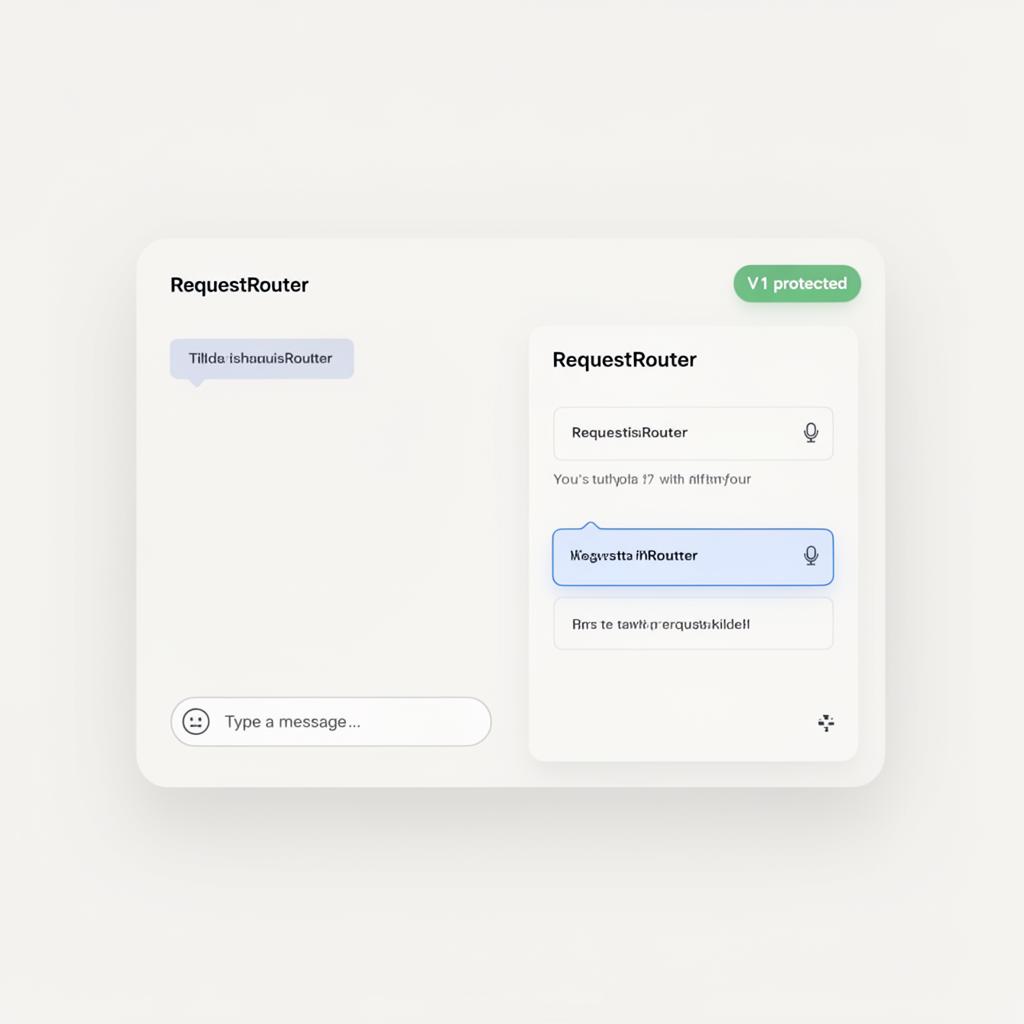 3
3V1 stays clean and demoable. Good ideas go to the V2 parking lot, not into the build.
Debrief questions
- Which build felt safest to demo, and why?
- What did the PRD actually prevent in Demo 2?
- Which feature-creep suggestions deserved a V2 tag — and which were 'Not needed'?
- Where did scope creep almost win, and what stopped it?